 Backed by Y Combinator
 01
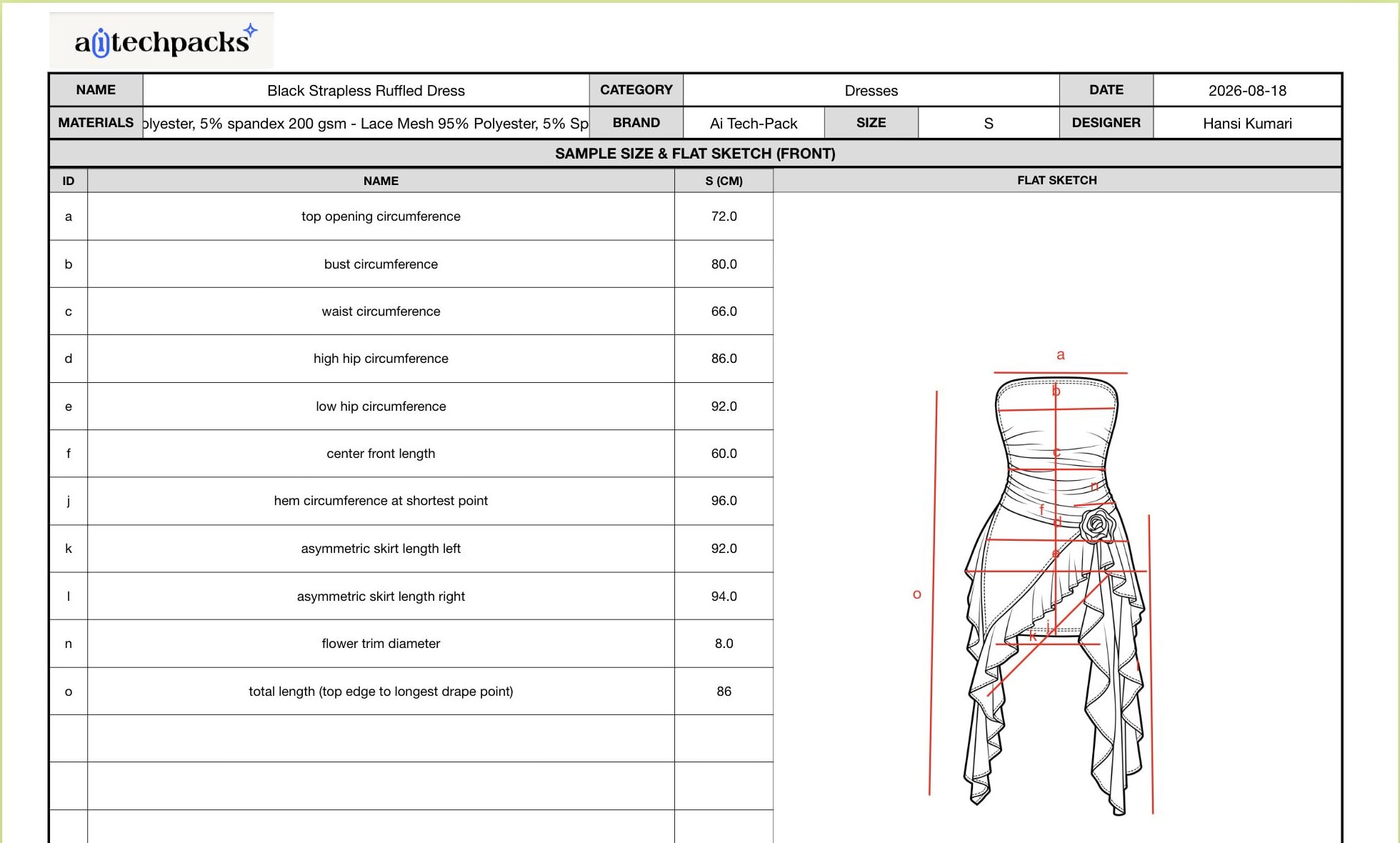
01Flat Sketch Generation
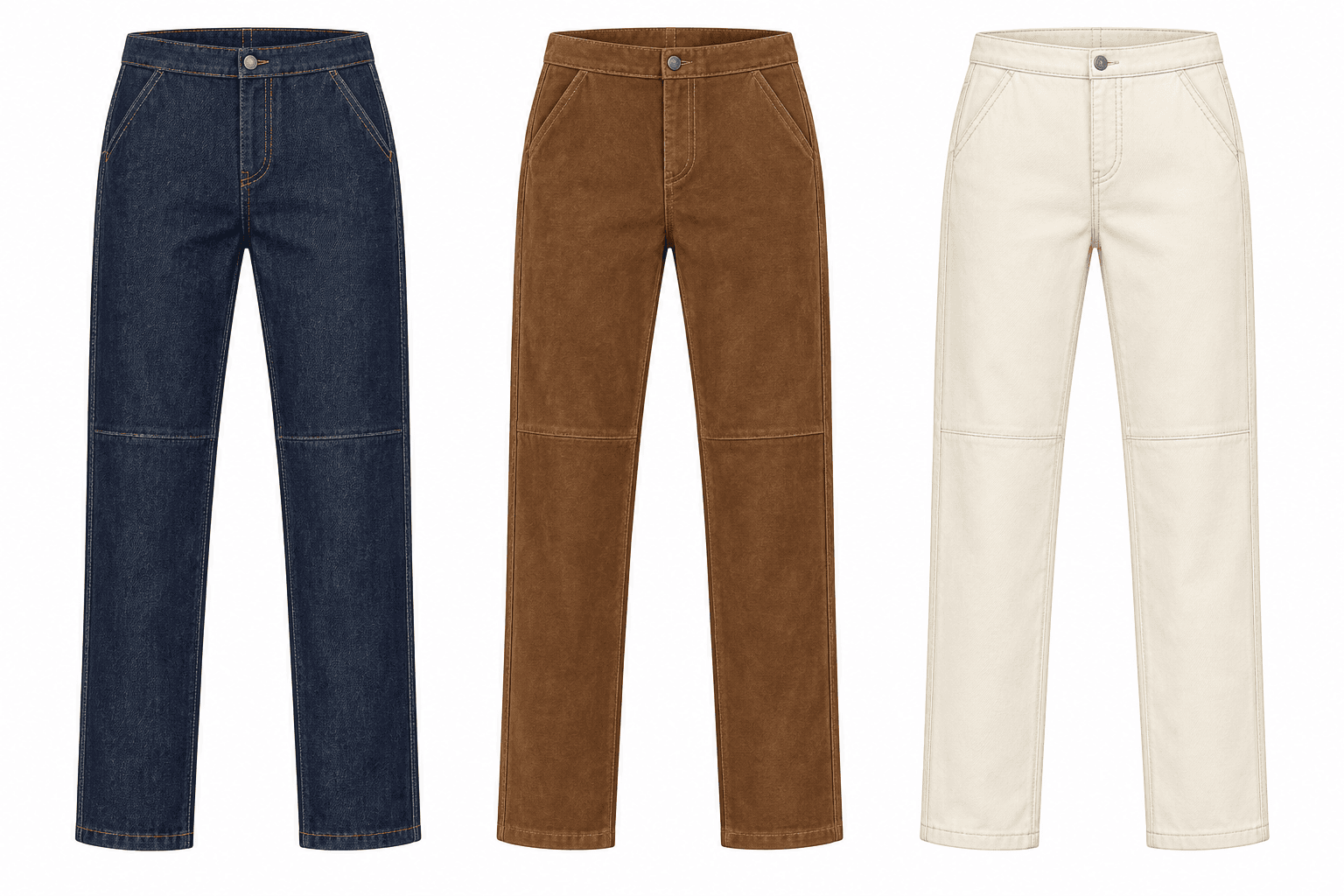
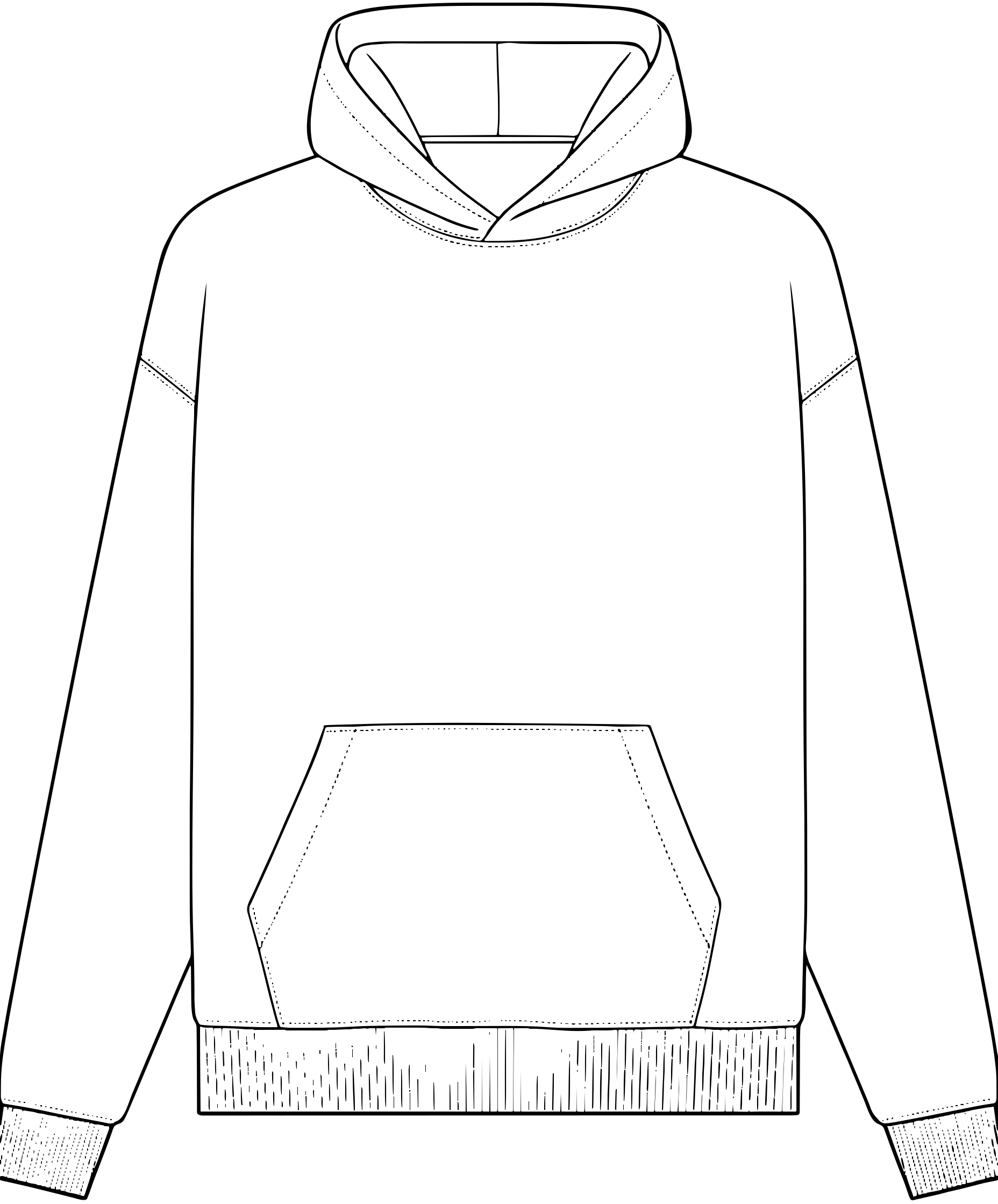
Generate clean front and back flat sketches from a garment reference.
Clean, editable tech packs and flat sketches for fast-growing fashion brands—built to fit your Illustrator and PLM workflow.
One system. Your workflow.
Generate the techpack, edit, and export into files you already use in production.
01Generate clean front and back flat sketches from a garment reference.
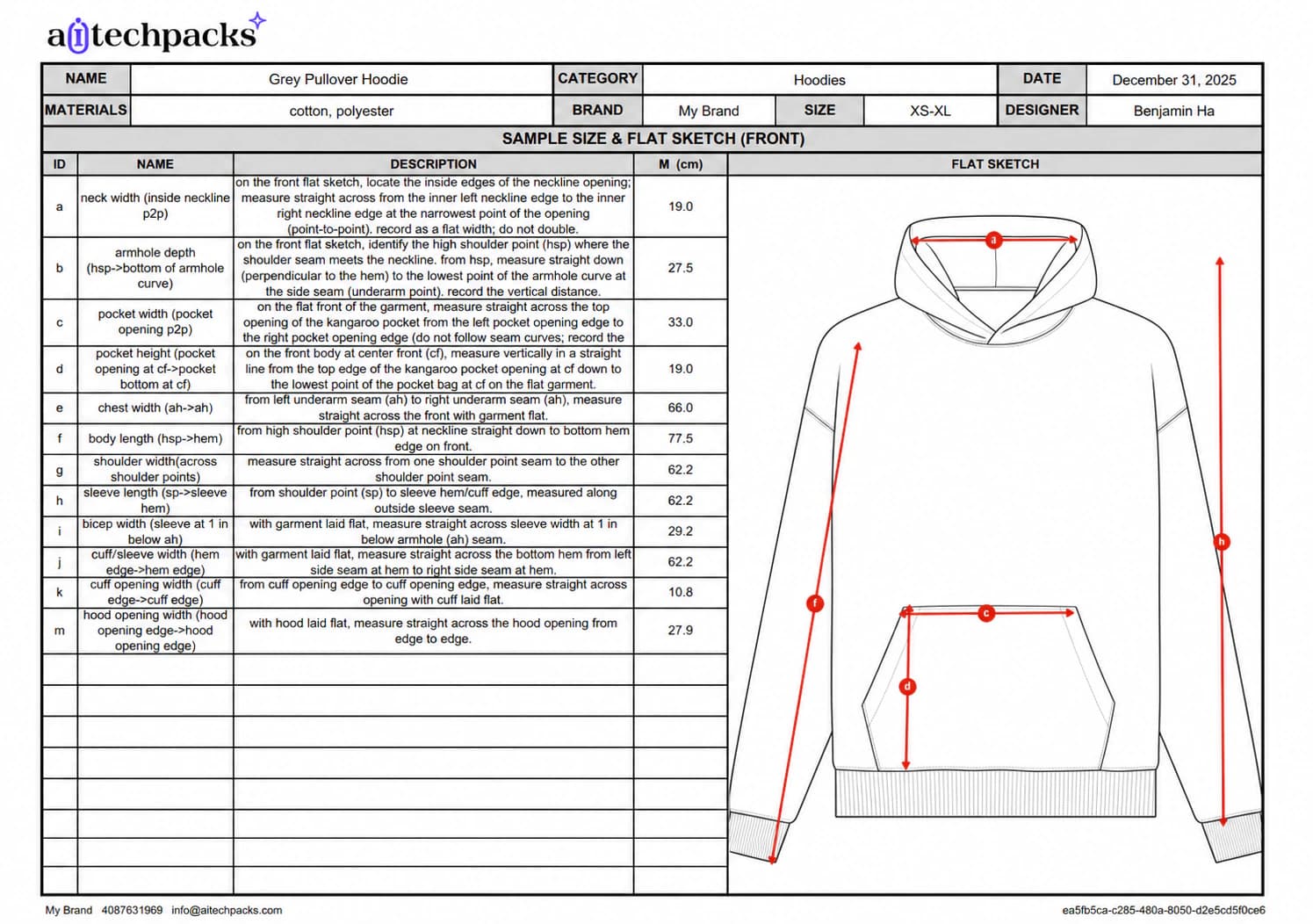 02
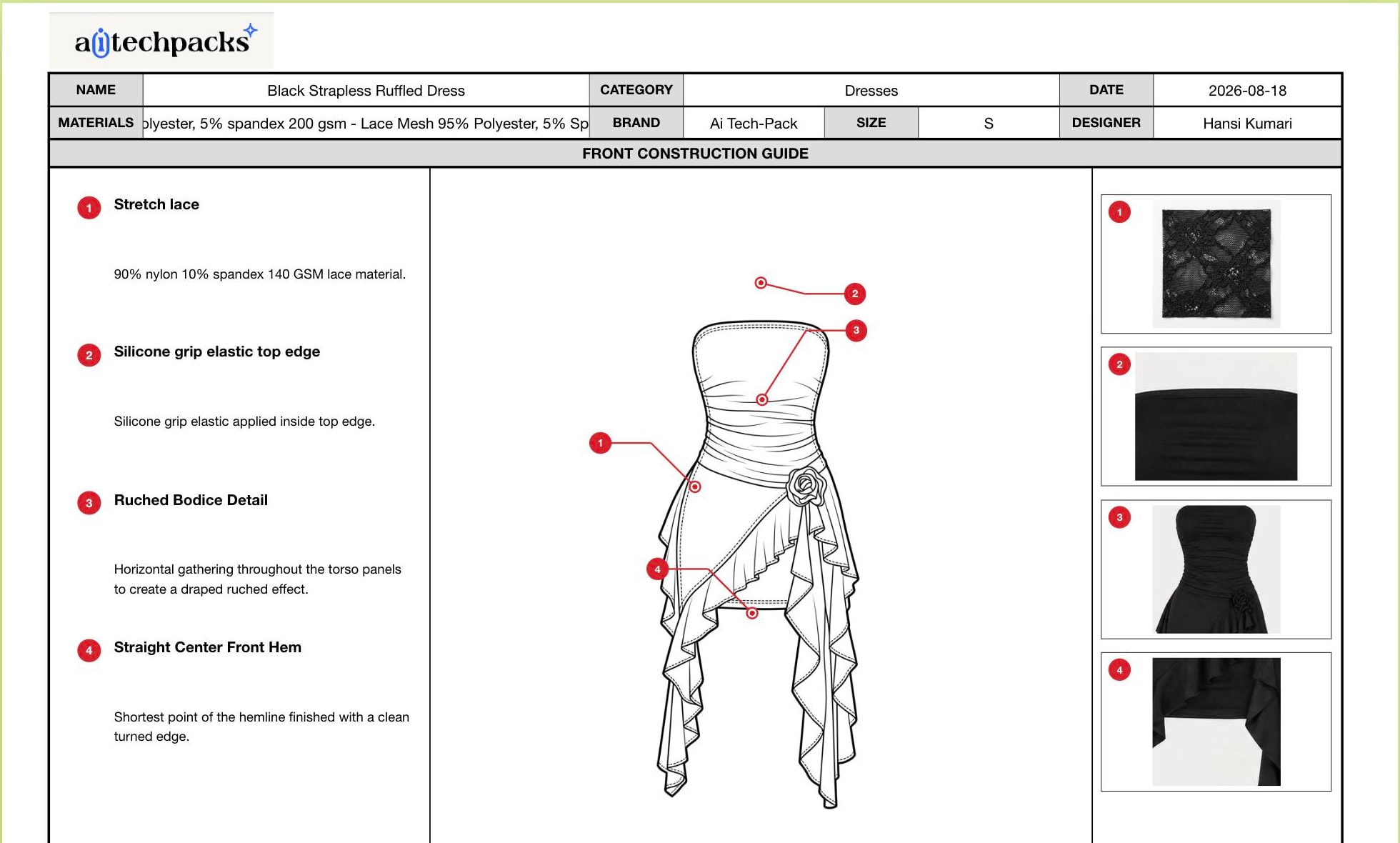
02Create an editable pack with measurements, BOM, construction notes, and production details.
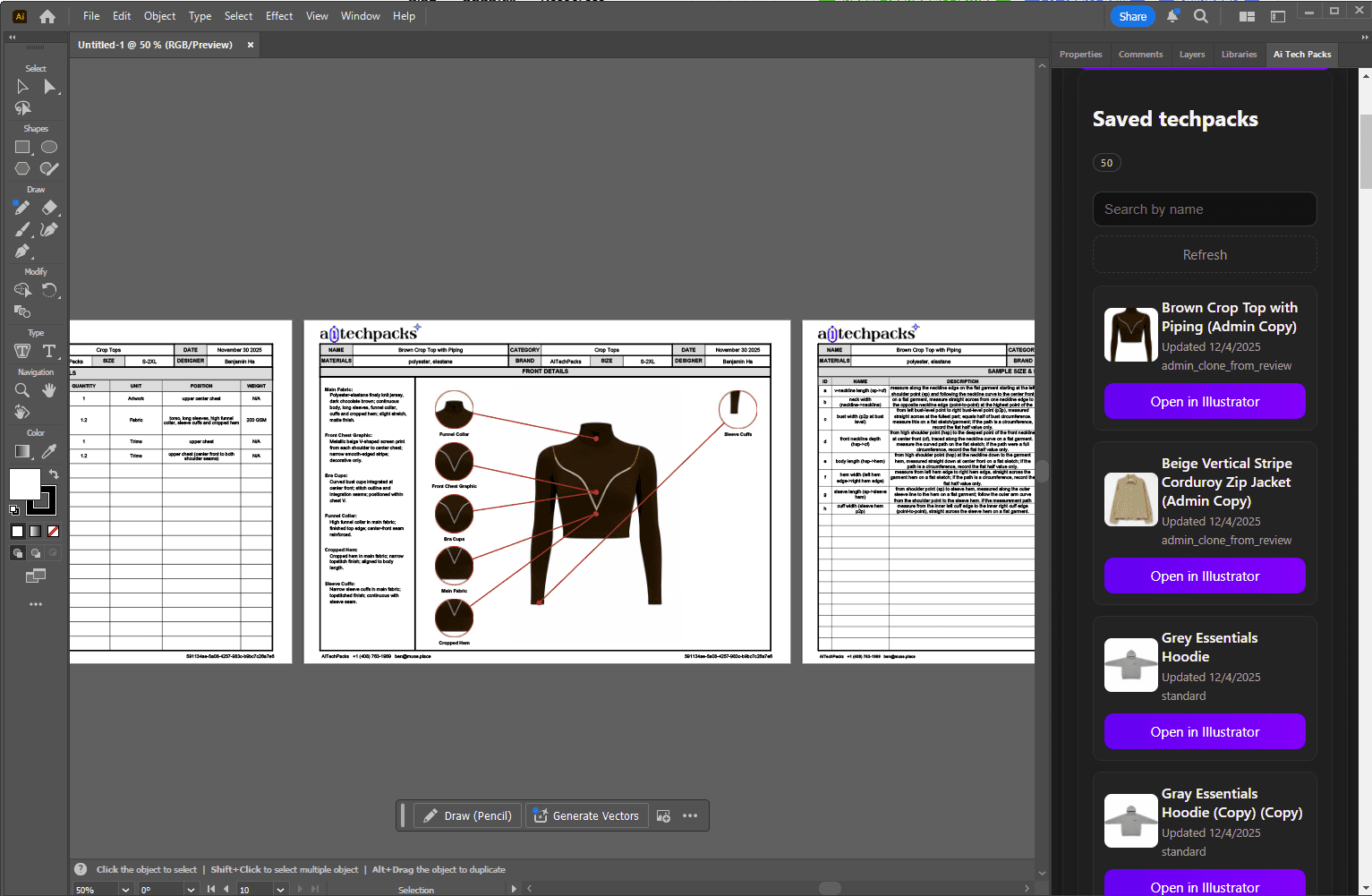 03
03Keep editing exported SVGs in Illustrator. Add PLM or ERP through a custom integration.
Line sheets for collection reviews Beta
Give design, merchandising, and production a shared view of the next collection. Turn saved flat sketches into product options, compare colors and materials, and bring the line sheet PDF to your next internal review.
Try 3 preview images free. Upgrade for more images and watermark-free PDF exports.
Production proof
“What used to take our teams hours to make techpacks can now be done in minutes, even for non-technical creatives.”
How To Make A Tech Pack
A factory-ready tech pack still needs measurements, materials, trims, artwork, labels, and clear revision control. AI Tech Packs gives you the first draft fast so you can focus on production details instead of manual formatting.
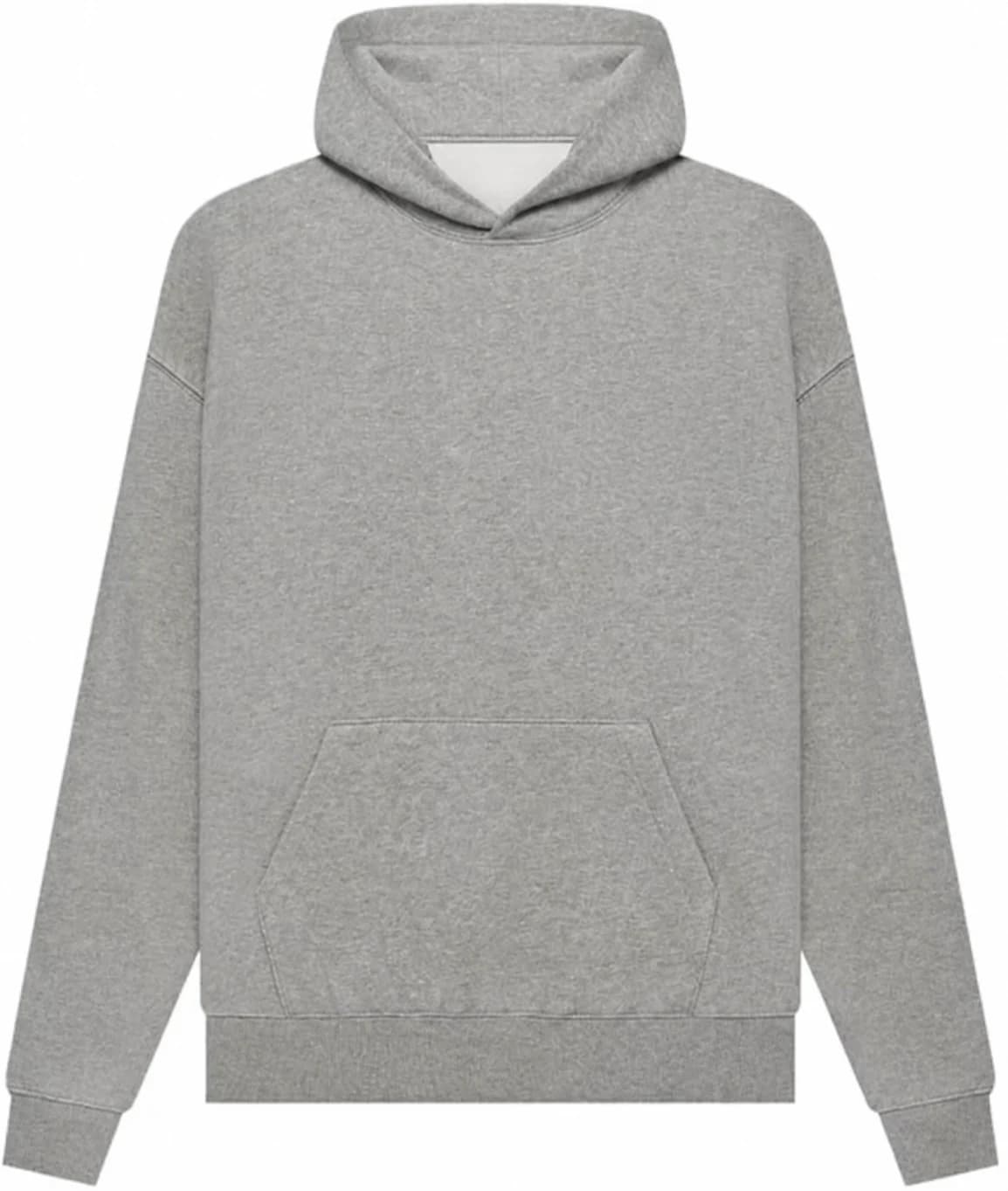
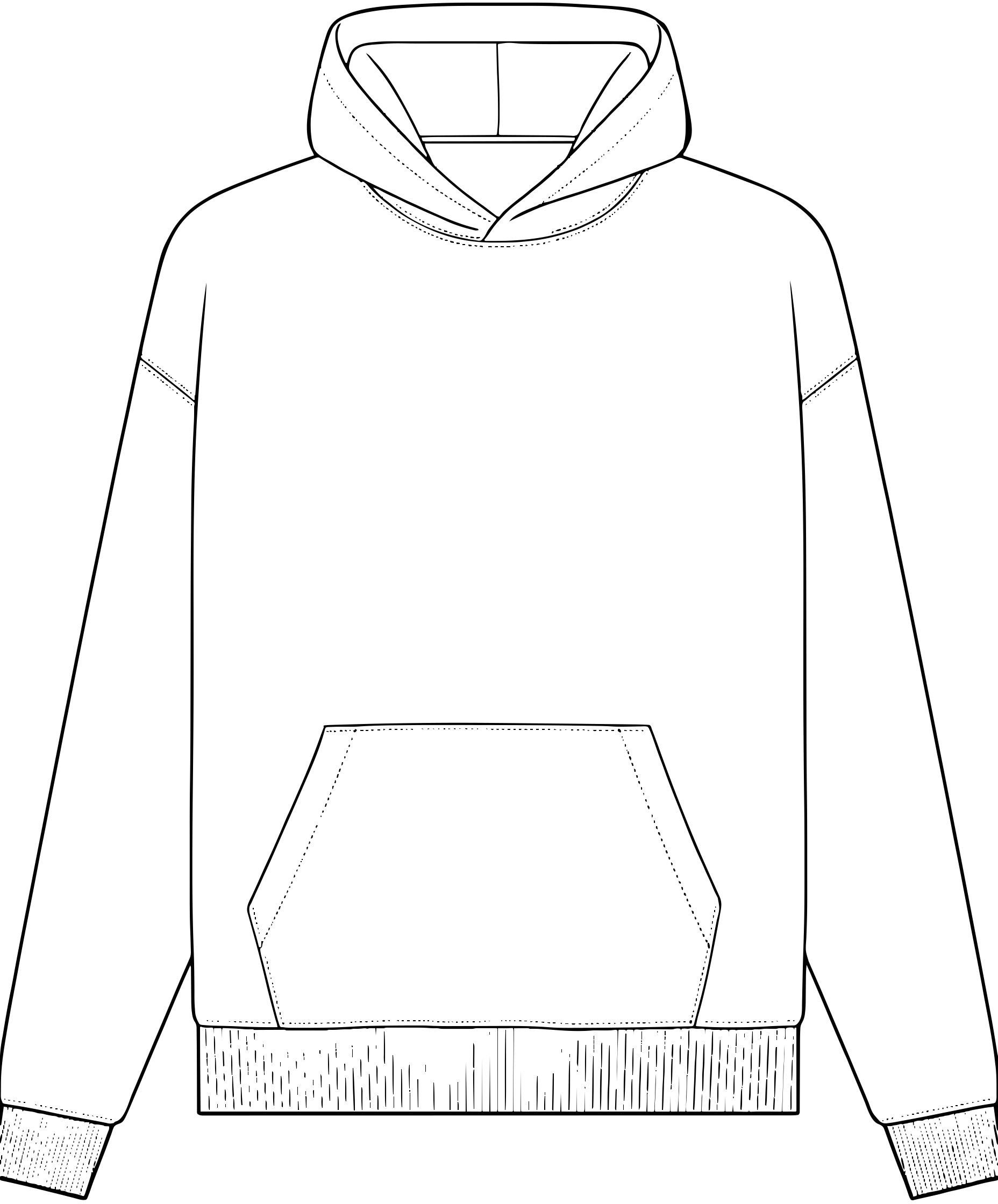
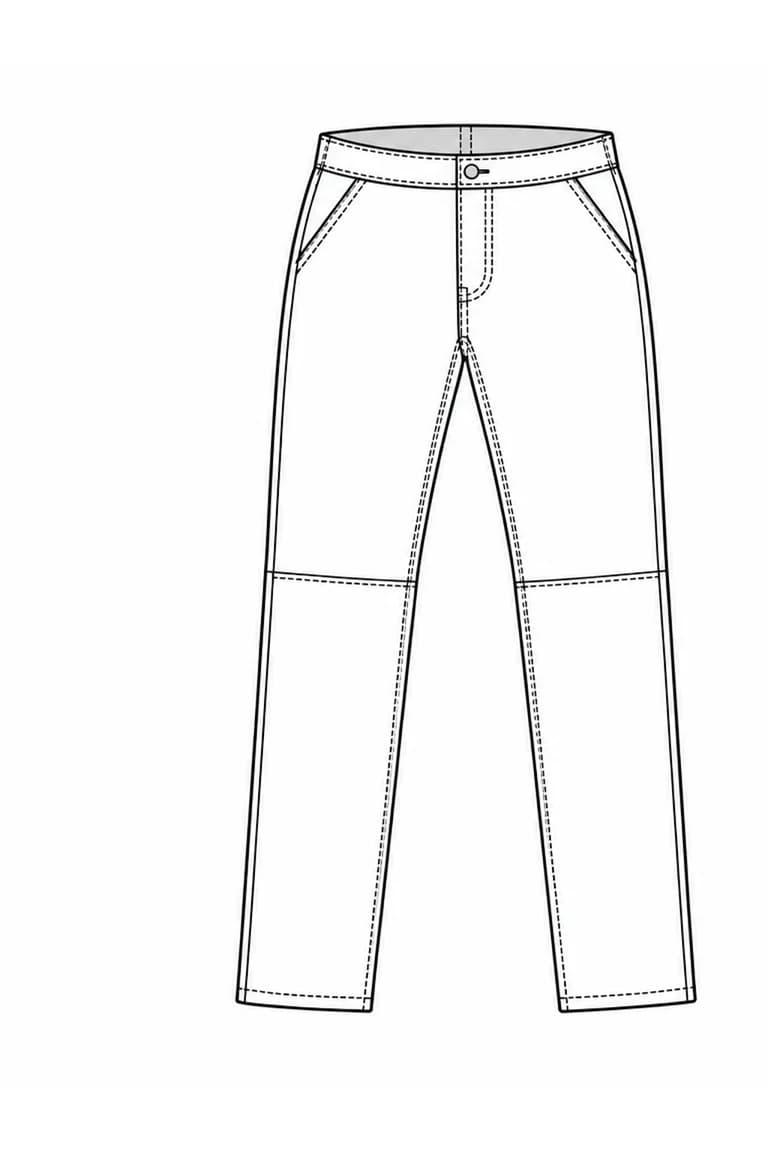
Give the first draft a clear starting point. Review the generated silhouette and construction against your reference.
Explore a sample tech packNeed a template before you start?
FAQ
Line sheets are visual summaries of a collection, bringing product images, style codes, colorways, materials, and key details into one document. Teams use them to align design, merchandising, product development, and production during internal reviews, or to present a collection to buyers. In AI Tech Packs, you can build a line sheet from saved flat sketches and export it as a PDF.
Yes. AI Tech Packs creates an editable draft, then you can review and change measurements, materials, flat sketches, artwork, colors, order details, and construction notes before saving or exporting.
AI Tech Packs supports PDF and Excel export workflows for professional tech packs with specs, materials, measurements, flats, and construction details. Review the draft first, then export the clean version for handoff.
No. You can start from a garment photo, sketch, or flat, edit the tech pack in the web editor, and export finished files without rebuilding every section manually in Illustrator or Excel.
Treat it as a fast production-ready draft. Before factory handoff, review measurements, materials, tolerances, artwork, labels, packaging, compliance details, and any construction notes that affect sampling or production.
Yes. Teams on the Designer plan can use the Adobe Illustrator plugin to open tech packs in Illustrator and keep refining them with the tools they already know.
Yes. AI Tech Packs Agency is our done-for-you service for teams that want us to produce the tech packs. Send references and notes, and our team turns them into clean PDF and Excel tech packs in 3-5 days.
Ready to start?
Generate the first draft. Review it. Export when it is ready.
Free to try · Editable before export