How to use AI Tech Packs
Here are our short videos on how to use AI Tech Packs. Pick the part you need help with, then watch the video or follow the written steps.
Pick a guide
 Read guide →
Write a generation prompt
Write a short prompt for your garment. We show what to include about the shape, fabrics, artwork and sizes.
 Read guide →
Set custom sizes
Use your own size labels when you make a tech pack. We show how to enter them and choose your sample size.
 Read guide →
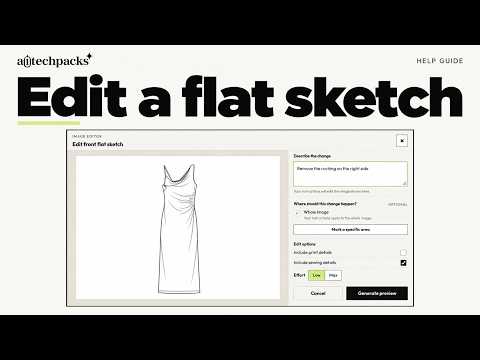
Edit your flat sketch
Change a detail on your flat sketch with a short prompt. We show how to check the preview, apply it, and go back to an earlier version.
 Read guide →
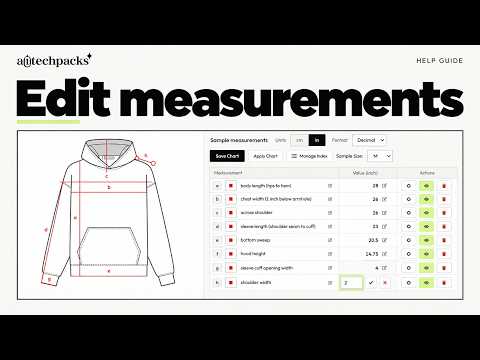
Add and edit measurements
Add a measurement to your flat sketch and size chart. We also show how to hide lines, change the order, and choose your units.
 Read guide →
Edit the bill of materials
Change a material name or photo in your BOM. We also show how to sort fabrics, trims, labels and artwork.
 Read guide →
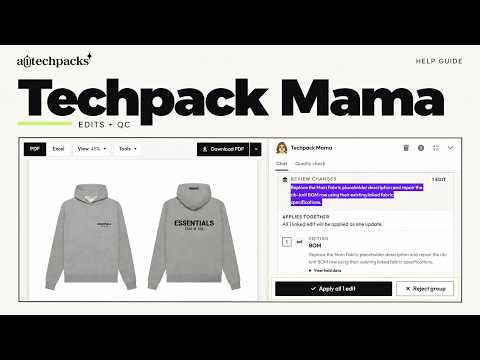
Review with Mama and QC
Use QC to find details that need checking. We show how to read the findings, fix an issue, and approve edits from Techpack Mama.
 Read guide →
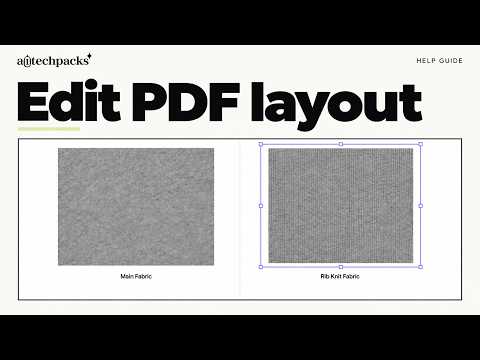
Edit and download the PDF
Make your fabric and trim photos easier to read in the PDF. We show how to resize them, edit text, and download your tech pack.
What goes in a tech pack?
Our template guide explains what to include and what your factory needs from you.
Read the tech pack guide →Need help with measurements?
Learn what a garment spec sheet is and how to make the measurements clear for your factory.
Read the spec sheet guide →